A finished prompt is often more than a statue. Vehicles and structures in documented sessions include functional seats and interaction prompts.
What players have actually used
- An ice cream truck build included driver seating, horn speakers, stocked cones, and side text reading EVERYDAY IS ICE CREAM DAY.
- Aircraft can show [E] Pilot on the cockpit.
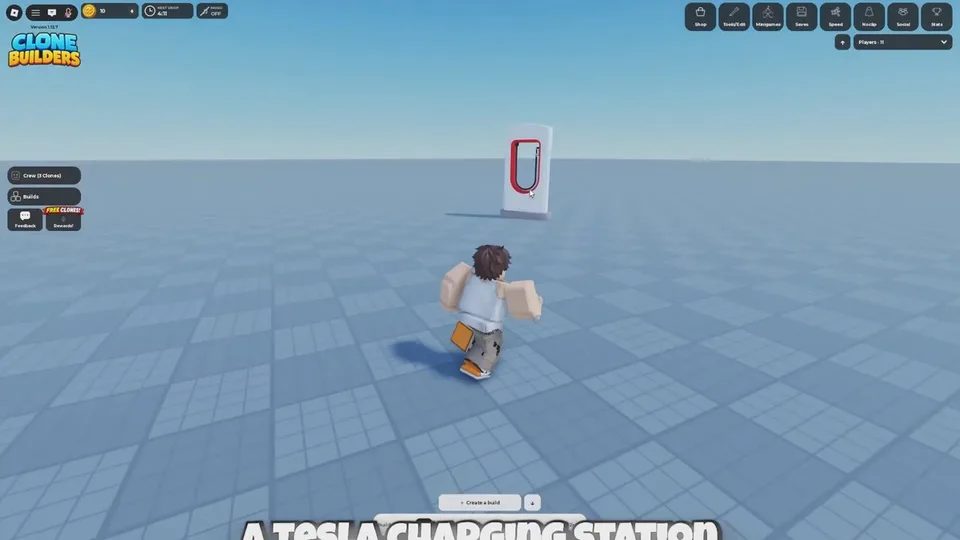
- A charger kiosk showed [E] Drive.
- A prompted giant plane was flyable in one session and was not crashable. The player also could not find a way up when it spawned too high.
- A prompted obby came out small and unusual, and was still traversable.
These are single-session results. The clones interpret the prompt. A plane prompt does not guarantee a flyable vehicle, and an obby prompt does not guarantee a fair course.
Locks
Trying to pilot someone else's propeller plane returned This build is locked. That message means the owner sealed interaction. It is different from a missing seat. If you do not see [E] Pilot or [E] Drive, the model may simply have no interaction, or you may be too far from the prompt.
Test before you call it a minigame
- Wait for the completion banner.
- Walk routes, obstacles, boundaries, and places a player can get stuck.
- Check entrances, platforms, and connections from close up and from far back.
- Only then invite other people.
Minigames are not a separate mode. You prompt a playable structure and use the finished model. The official page recommends a private server for large-scale builds and minigames. See private servers.
The HUD Minigames button is present in the late-September control row. What that button opens is not documented. The way to get a playable space is still to build it.