The official description says a private server is highly recommended for large-scale builds and minigames. That is a hosting tip, not a separate game mode.
Public server limits
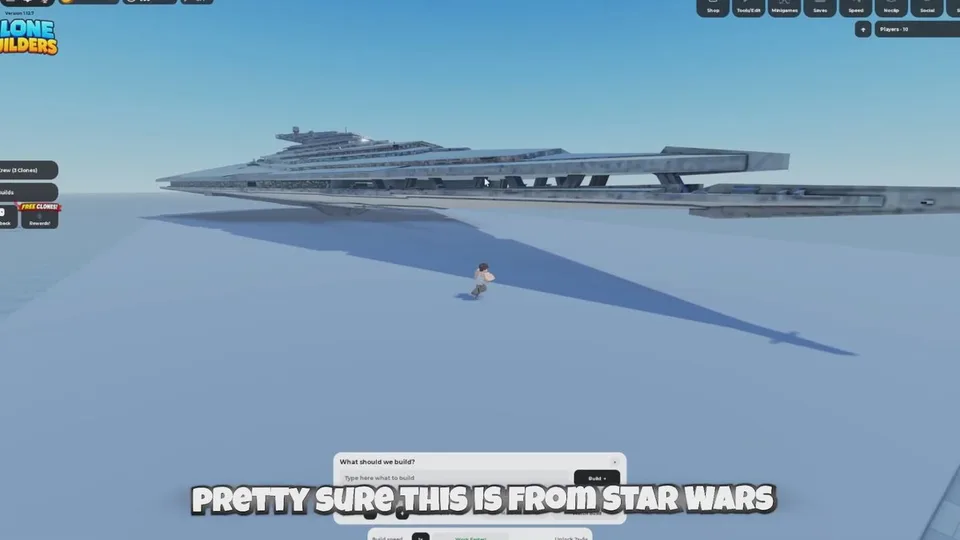
A public server holds about 15 players. Everyone builds on the same baseplate. A single documented session contained a huge ship overhead, a UFO, a propeller plane, buses, a train chassis, a pickup, a chocolate bunny, and a climbable yellow tower in the Doomspire style. Those models take ground and camera space. A new large prompt dropped into that crowd is more likely to overlap something.
Use a public server to learn the build bar, watch other prompts, and try seats that are not locked. See interactive builds.
What a private server is for
- One agreed project, such as an arena, obstacle course, or custom course.
- A build large enough that massive or a detailed prompt will cover a lot of ground.
- A group that should not be interrupted by other people's jobs.
- Testing routes and stuck spots before you invite more people.
Invite the people who are actually in the project. The official line is the recommendation. It does not publish a private-server price or a required gamepass name for the server itself. Buy the private server from the Roblox experience page if you want one, and read the current Roblox price there.
Still the same build loop
A private server does not change the prompt, the three Location options, the default crew of three, or the completion banner. Queue Jump, at 29 Robux in the September 29 guide, is a different purchase. It lines up extra builds. It does not create a private server.
If you are still learning prompts, finish a small public-server model first. Move to a private server when the piece counter and the footprint are the problem, not the wording.