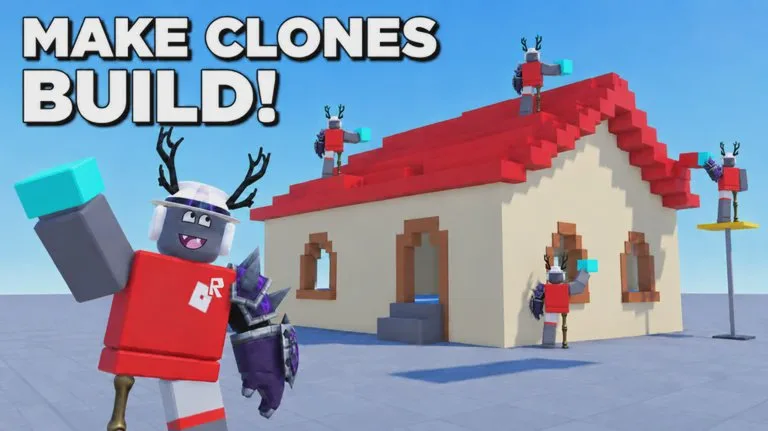
Every build is done by the clones you assign. You set that number in the build menu, then watch them in the crew window.
Set the crew
- Open What should we build?
- Enter the idea and choose a Location.
- Set how many clones work on this job. The default is 3.
- Use minus and plus to change the count, or open More Clones to add capacity past three.
- Press Build +.
The three default clones collect pieces and assemble the model while you walk around. No maximum crew size, capacity tier, or More Clones price is published. Treat the numbers on your current menu as the limit. Adding clones to a job that has already started is not documented. Set the count before you confirm.
Community posts about role jobs such as doctor, engineer, or clone-maker do not match the official build flow. The documented control is the clone count, not a role table.
Why the next build waits
Normally one build runs at a time. Ordering another while the crew is busy, such as a private jet during an ice cream truck, produces:
Your clones are occupied. Let them complete the current task, or unlock Queue labs to place an additional build in line.
Waiting jobs sit on the Queued tab until clones are free. Older walkthroughs disagreed about whether a second build could run immediately. The September 29, 2026 guide states the occupied message and the Queued tab as the current rule. Check your own session if the menu has changed.
The Queued tab has no documented buttons for cancel, reorder, or priority. The levers you do have are crew-side: wait, free clones, or buy the queue gamepass.
Queue Jump
Queue Jump! is a gamepass priced at 29 Robux in that play guide. It lets you line up additional builds instead of waiting for the current one to finish. The purchase popup also notes a 10% discount for Roblox Plus. This is a documented price from that session, not a promise the store listing stays at 29.
Free a clone mid-build
In the crew window:
- Unassign or Deassign pulls one clone off the task. Both names are used for that single-clone action. Use the label you see.
- Deassign all clears the whole crew.
Freeing clones is what lets a queued job start. What happens to the in-progress model's progress after you remove its crew is not specified. Look at the piece counter before you assume the job paused or rolled back.
While you wait
Move around and look at other builds. The HUD row documented in late September includes Speed, Noclip, Tools/Edit, Minigames, and Saves. One session filled the wait by driving a truck already on the map. That is something players can do, not a required objective.
Before you cancel a quiet job, check three things: is the model still changing, are clones still assigned, and would waiting show more than restarting? A large build simply takes longer. A slow counter is not a failed prompt.